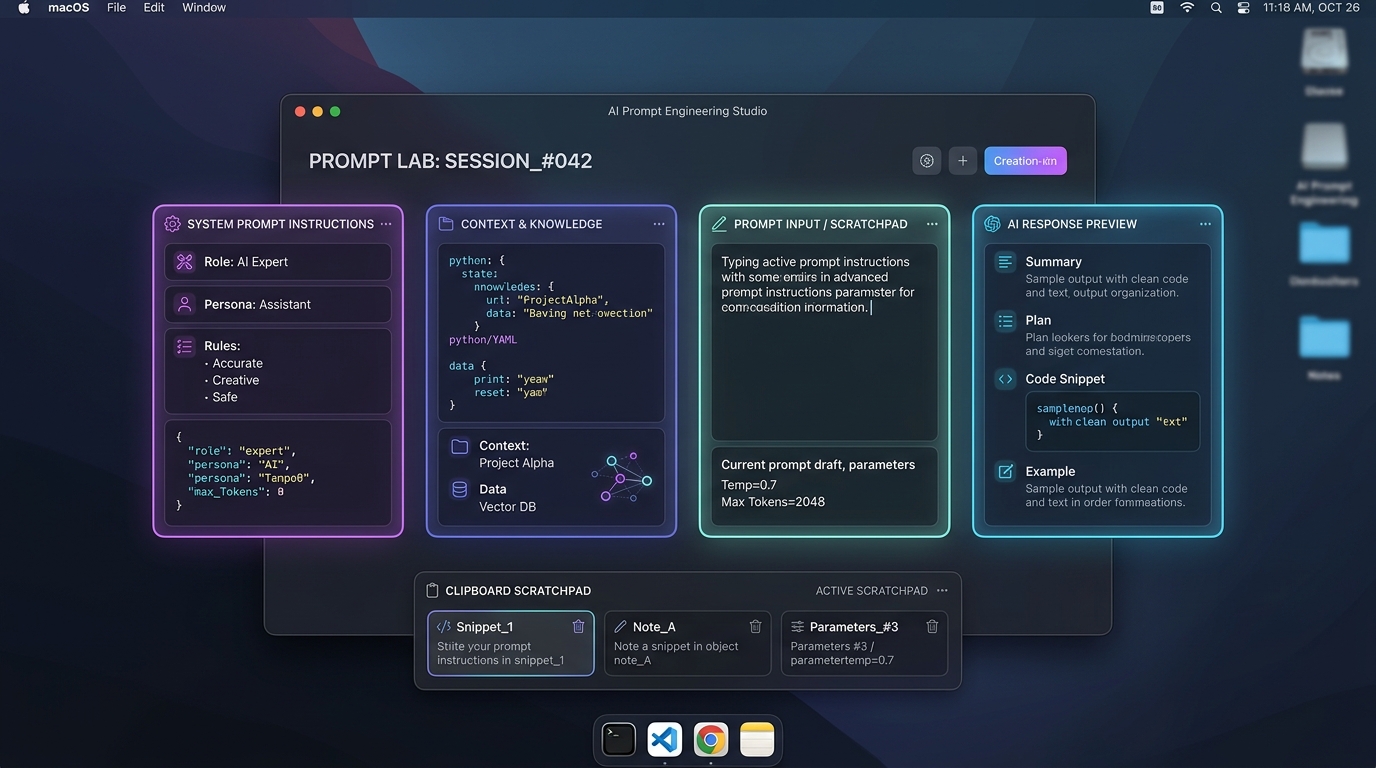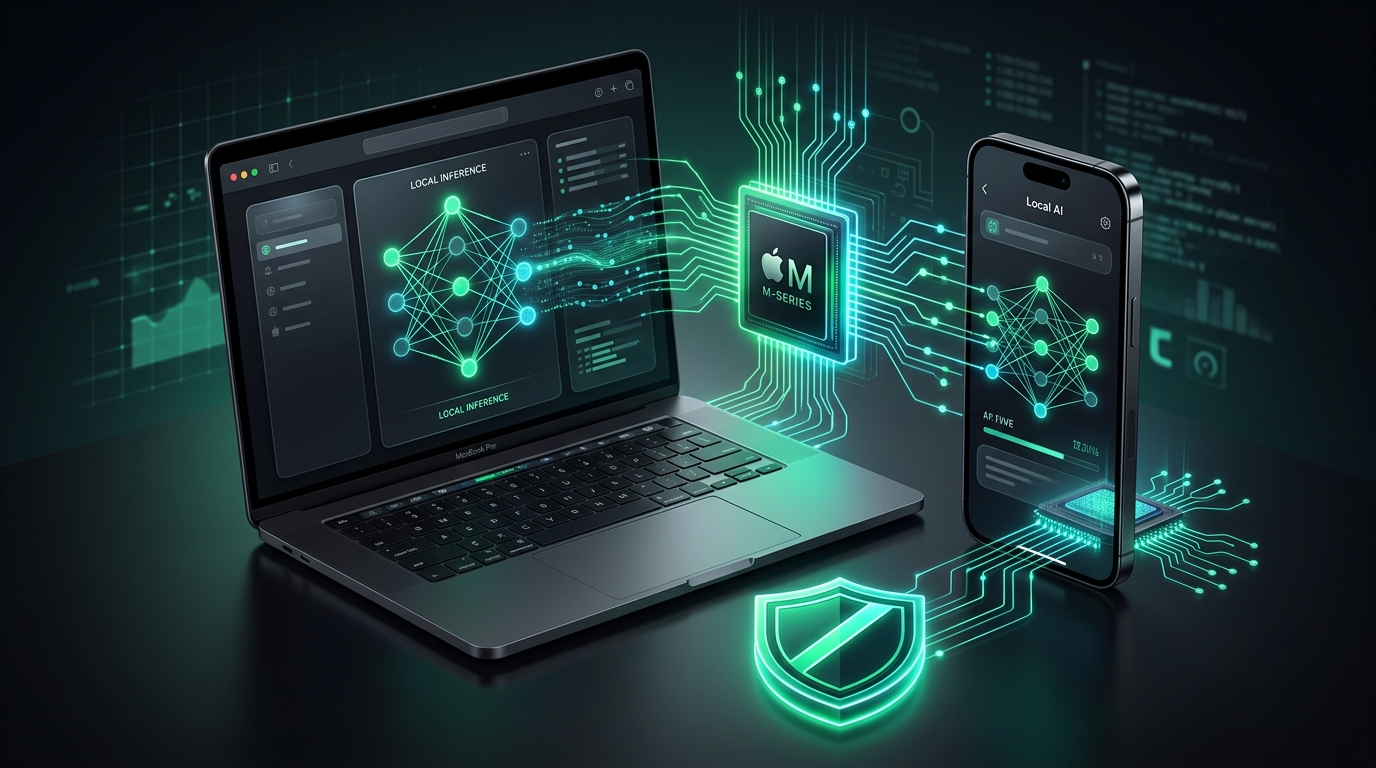
1. Why Run Local AI Instead of Cloud APIs?
Every time you paste proprietary code, draft sensitive client emails, or analyze financial projections inside hosted commercial chatbots, your data travels over the public internet to remote cloud clusters. While enterprise agreements promise privacy, security researchers repeatedly uncover logging vulnerabilities, data scraping scandals, and silent model deprecations.
Beyond security, cloud LLMs suffer from three inherent architectural limitations:
- Network Latency & Rate Limits: Cloud API calls require DNS resolution, TLS handshakes, and queuing behind millions of concurrent users. Peak-hour slowdowns and
HTTP 429 Too Many Requestserrors disrupt deep focus. - Cloud Blackouts: When your Wi-Fi drops on an airplane, high-speed train, or rural retreat, cloud intelligence vanishes instantly.
- Unpredictable Token Costs: Recurring subscriptions and variable API consumption invoices quickly add up for independent developers and small teams.
Local LLMs process weights directly within your device's RAM and GPU cores. Zero network packets leave your machine. When you run an offline model, your prompt generation operates at zero marginal cost with millisecond-level responsiveness.
2. Hardware Requirements: Apple Silicon vs. Android SoCs
Running models locally requires high memory bandwidth. Modern generative models need to stream gigabytes of weight matrices per second into matrix multiplication cores.
Apple Silicon: Unified Memory Architecture (UMA)
Mac computers powered by M1, M2, M3, or M4 chips are uniquely suited for AI because their Unified Memory Architecture allows the CPU, GPU, and 16-core Neural Engine to access the exact same memory pool at up to 800 GB/s bandwidth.
- 16 GB RAM: The sweet spot for personal AI. Comfortably hosts 8B parameter models (such as Llama 3.1 8B or Qwen 2.5 Coder 7B) quantized at 4-bit precision with 8k–16k context lengths.
- 24 GB – 36 GB RAM: Enables running 14B models (e.g., Qwen 2.5 14B) or running an 8B model with large 32k context windows alongside your daily IDE and browser.
- 64 GB – 128 GB+ RAM: Unlocks true enterprise 70B models running at 15–22 tokens per second locally.
Android: Mobile NPUs and LPDDR5X
Modern flagship Android phones powered by Qualcomm Snapdragon 8 Gen 2/3/4, MediaTek Dimensity 9300, or Google Tensor G3/G4 feature dedicated NPUs designed for INT4 and FP16 tensor math. Phones with 8 GB to 12 GB of RAM can run specialized Small Language Models (SLMs) such as Llama 3.2 1B & 3B, Gemma 2 2B, and Phi-3.5 Mini with ease.
3. macOS Setup: Running Ollama, LM Studio & Metal Acceleration
Setting up local models on macOS takes under three minutes. Here are the two most popular methods:
Method A: Ollama (Recommended for Developers & Terminal Power Users)
Ollama packages model weights, prompt templates, and Metal GPU acceleration into a single background daemon.
Open Terminal and install Ollama via Homebrew:
ollama serve &
Pull and launch a state-of-the-art coding and reasoning model:
Ollama immediately allocates model layers across your Apple Silicon Metal cores, yielding prompt processing speeds upwards of 50 tokens/sec.
Method B: LM Studio (Visual Playground with Parameter Tuning)
If you prefer a clean GUI with sliders for temperature, top_p, and context window limits:
- Download the native Apple Silicon DMG from lmstudio.ai.
- Search for "Qwen 2.5 Coder 7B GGUF" or "Llama 3.1 8B Instruct".
- Click Download (Q4_K_M).
- Under the acceleration sidebar, toggle GPU Offload to MAX to route all tensor layers directly into your Mac's integrated GPU.
4. Android Setup: Running Offline SLMs with MLC Chat & Termux
You do not need a jailbroken or rooted phone to run on-device AI on Android. In 2026, Vulkan and OpenCL hardware abstraction layers make mobile SLMs practical and battery-efficient.
Install MLC Chat (Native Vulkan Execution)
MLC Chat compiles weights directly to GPU shaders via Vulkan, bypassing heavy translation layers:
- Download MLC Chat from GitHub releases or Google Play.
- Select Llama-3.2-3B-Instruct-q4f16_1 (approximately 1.9 GB download).
- Once downloaded, switch your device to Airplane Mode.
- Ask a complex coding or translation query. The phone will generate text at 18 to 28 tokens/sec without transmitting a single byte of telemetry!
Running a 3B model occupies about 2.2 GB of mobile RAM. If background bloatware or rogue social apps are eating your memory, Android's Low Memory Killer (LMK) might crash the model process. Use a utility like App Stopper to freeze background battery hogs before running large inference tasks.
5. 2026 Local Model Benchmark & Recommended Quantizations
Selecting the right quantization format is critical. 4-bit quantization (specifically Q4_K_M) retains over 99% of full FP16 perplexity while reducing memory consumption by nearly 75%.
| Model | Params | RAM Required | Platform | Inference Speed | Recommended Use |
|---|---|---|---|---|---|
| Llama 3.2 1B | 1.2B | 4 GB | Android / Mac | 45+ tok/s | Fast text classification, regex, quick summaries |
| Llama 3.2 3B | 3.2B | 6 GB | Android / Mac | 25–35 tok/s | Mobile coding helper, email drafting, offline notes |
| Gemma 2 2B | 2.6B | 6 GB | Android / Mac | 30–40 tok/s | Structured JSON extraction, creative writing |
| Qwen 2.5 Coder 7B | 7.6B | 16 GB | macOS | 32 tok/s | Software engineering, code refactoring, test generation |
| Llama 3.1 8B | 8.0B | 16 GB | macOS | 28 tok/s | General desktop reasoning, research synthesis |
| Qwen 2.5 14B | 14.7B | 24 GB | macOS | 18 tok/s | Deep technical document synthesis, long context |
6. Building a Complete Zero-Cloud Productivity Stack
Running a local LLM is the first step toward reclaiming your digital privacy. But an offline model is only as secure as the rest of your toolchain. If your search engine, clipboard manager, and launcher constantly broadcast telemetry to remote clouds, your local AI gains are compromised.
Here is how to create a unified, privacy-first workflow across macOS and Android:
Pair Offline AI with Offline Instant Search
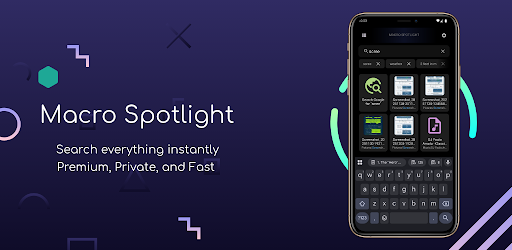
Just like your local LLM, your Android search engine shouldn't spy on your queries. Macro Spotlight brings desktop-grade Spotlight search to your phone with zero internet permissions, 100% local indexing, and lightning-fast file lookup.
Stage Prompts & Code Snippets Privately on Mac
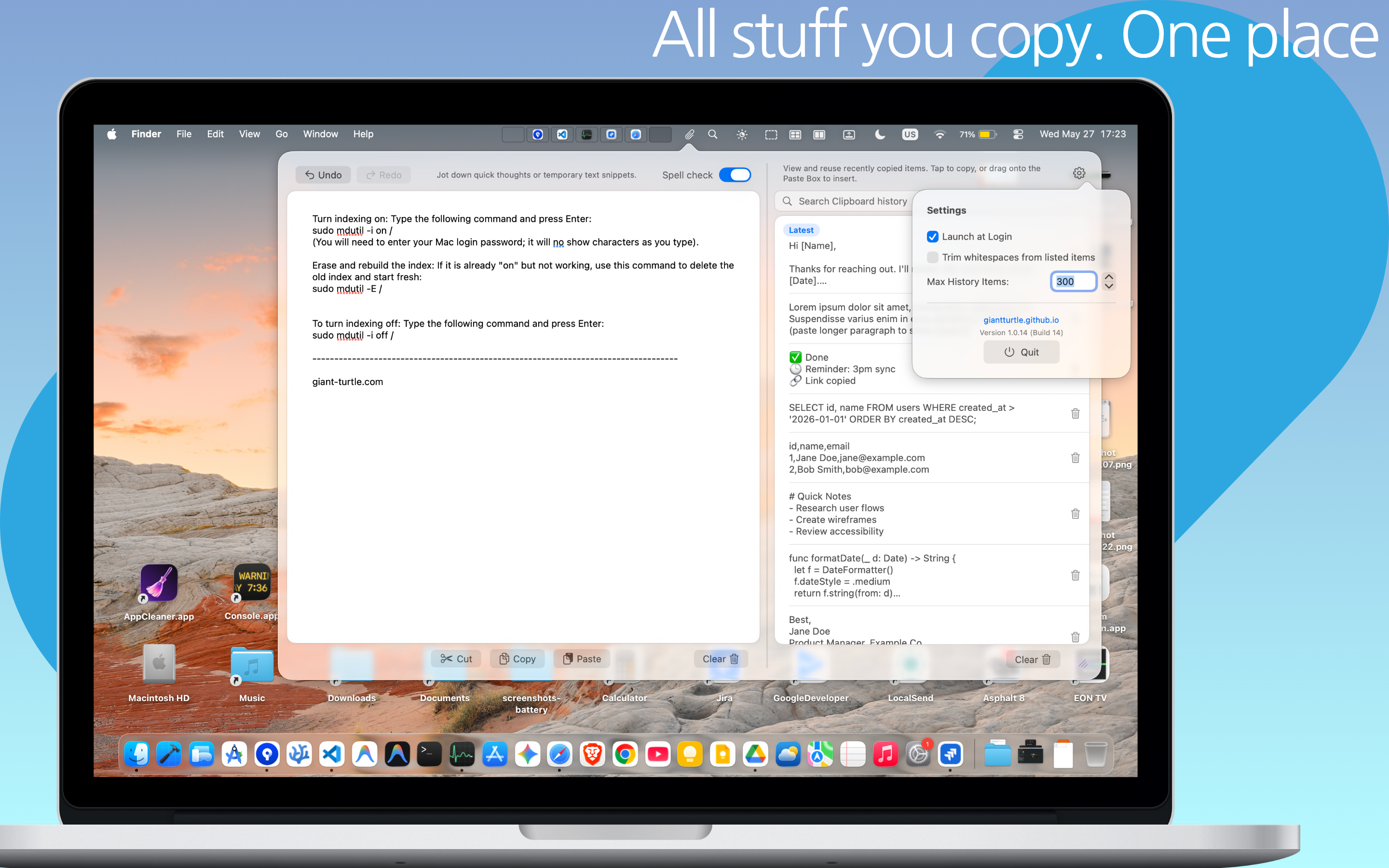
Don't lose your local AI prompt templates or code snippets to messy cloud notes. Paste Box provides a persistent markdown scratchpad and local clipboard history manager that lives natively in your macOS menu bar—100% offline and sandboxed.
7. Frequently Asked Questions
No. Running on-device models consumes power comparable to rendering a 4K video or compiling code. For normal intermittent queries (10–30 seconds), battery draw is minimal. However, running continuous background generation on Android will increase heat; pairing your phone with battery management tools like App Stopper ensures background services don't compete for thermal headroom.
By default, offline models operate strictly on their trained neural weights and whatever text you provide in their context window. If you require real-time web results, you can connect your local model to local search engines (like SearXNG) or copy relevant articles directly into your prompt staging scratchpad.
While top-tier cloud models have trillions of parameters and excel at massive, multi-step creative synthesis, modern 2026 open-weight models (Llama 3.1 8B, Qwen 2.5 Coder 7B) routinely match or surpass older commercial models (like GPT-3.5) on focused coding tasks, document summarization, JSON schema extraction, and mathematical reasoning.
Open your terminal, run brew install ollama, followed by ollama run llama3.1:8b. You will have a fully functional local AI running in under 2 minutes with zero configuration.